Front-end development
Video Poker Game
A school project working with components, shared state, and game logic in React, TypeScript and Zustand.
The assignment
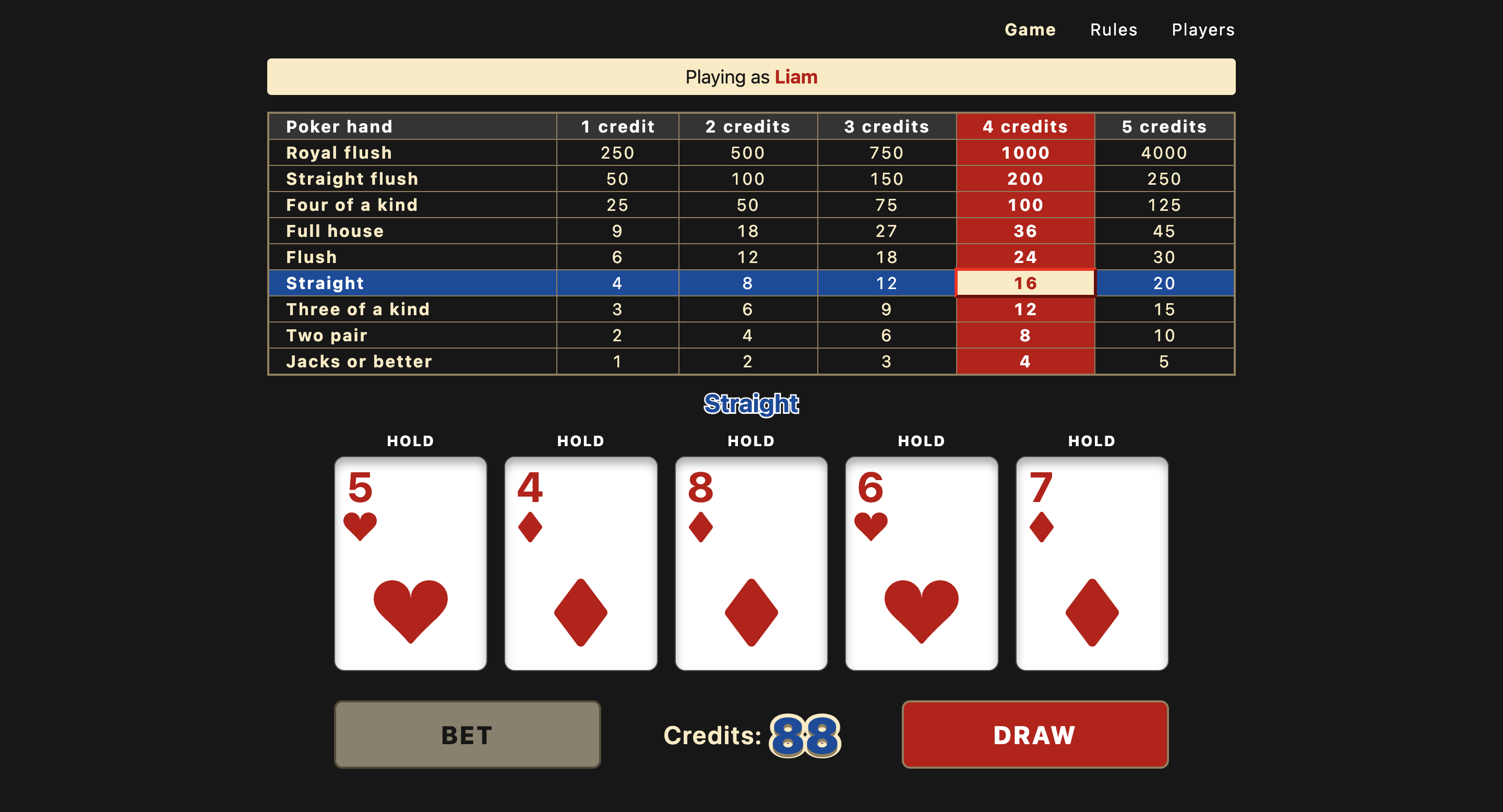
The assignment was to building a video poker game using React, TypeScript, Zustand, and React Router. The player bets credits, receives five cards, and chooses which ones to keep before drawing replacements. The final hand decides the payout.
I started by learning the game rules and drawing wireframes on paper. Then I built the game in small steps, starting with player management and betting before moving on to dealing, holding cards, and calculating winnings.
Deciding where state should live
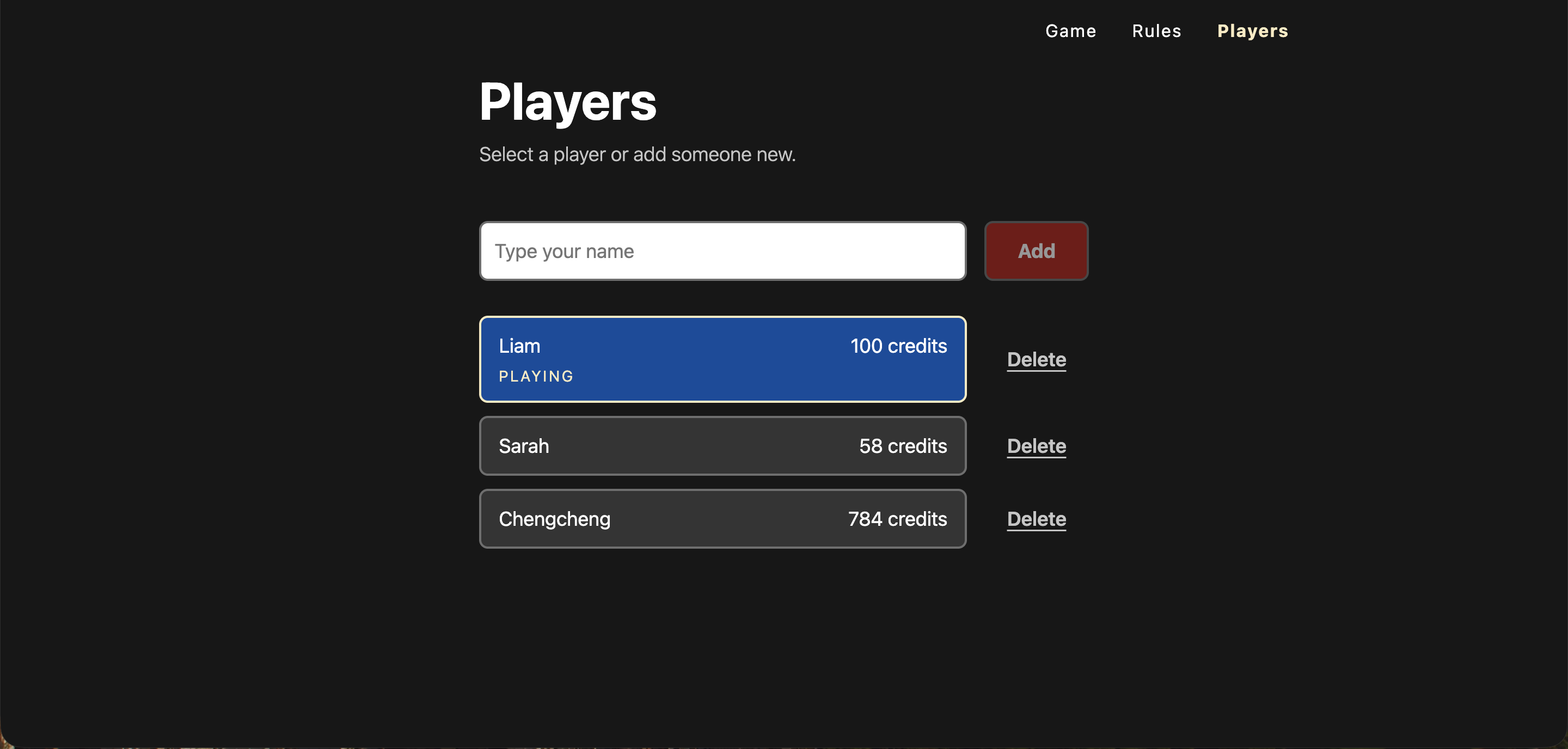
One challenge was making sure players could continue their round after visiting the Rules page or reloading the browser. Saving their credits alone was not enough. I also needed to preserve their hand, held cards, remaining deck, bet, and current phase of the round.
I kept this data in a Zustand store so it could be shared across components, and used its persist middleware to save it to localStorage between visits. The player-name input, however, stays in local React state until the form is submitted. Working through this distinction helped me understand which state belongs in a shared store and which can stay inside a component.
Working through a round in code
Checking whether the player can deal
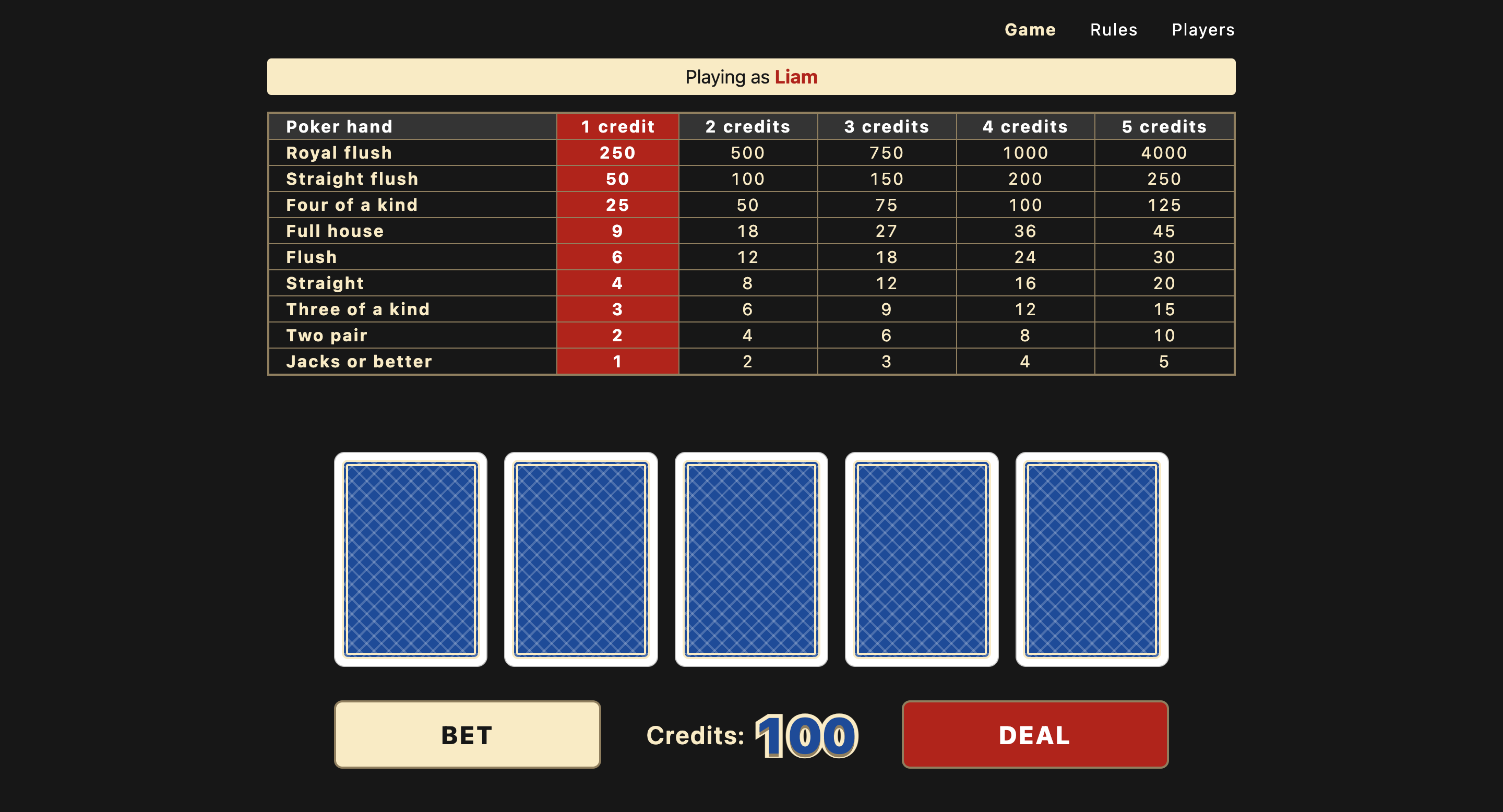
I used two phases, deal and draw, to keep track of what the player can do. Before dealing, the store checks that the previous round is finished, a player exists, and they can afford the bet. If any of these checks fail, nothing changes and the player cannot deal.
if (
  state.gamePhase !== "deal" ||
  !activePlayer ||
  activePlayer.coins < state.currentBet
) {
  return state;
}
Once these checks pass, the action deducts the bet, deals five cards from a shuffled deck (Fisher-Yates method), and changes the phase to draw. Keeping these changes together in the store makes it easier to follow what happens when the player clicks Deal.
Replacing cards without repeating them
After dealing, I save the rest of the shuffled deck. When the player draws, held cards stay in their positions and the other cards are replaced from that saved deck. Taking the next card each time means a card cannot be dealt twice in the same round.
const hand = state.hand.map((card, index) => {
  if (state.heldCardIndexes.includes(index)) return card;

  const replacementCard = state.deck[nextCardIndex];
  nextCardIndex += 1;
  return replacementCard;
});
Here, nextCardIndex starts at zero before the loop and only increases when a replacement is used. After the draw, I remove those cards from the saved deck, evaluate the final hand, and add any winnings to the player’s balance.
Using the same payout data in two places
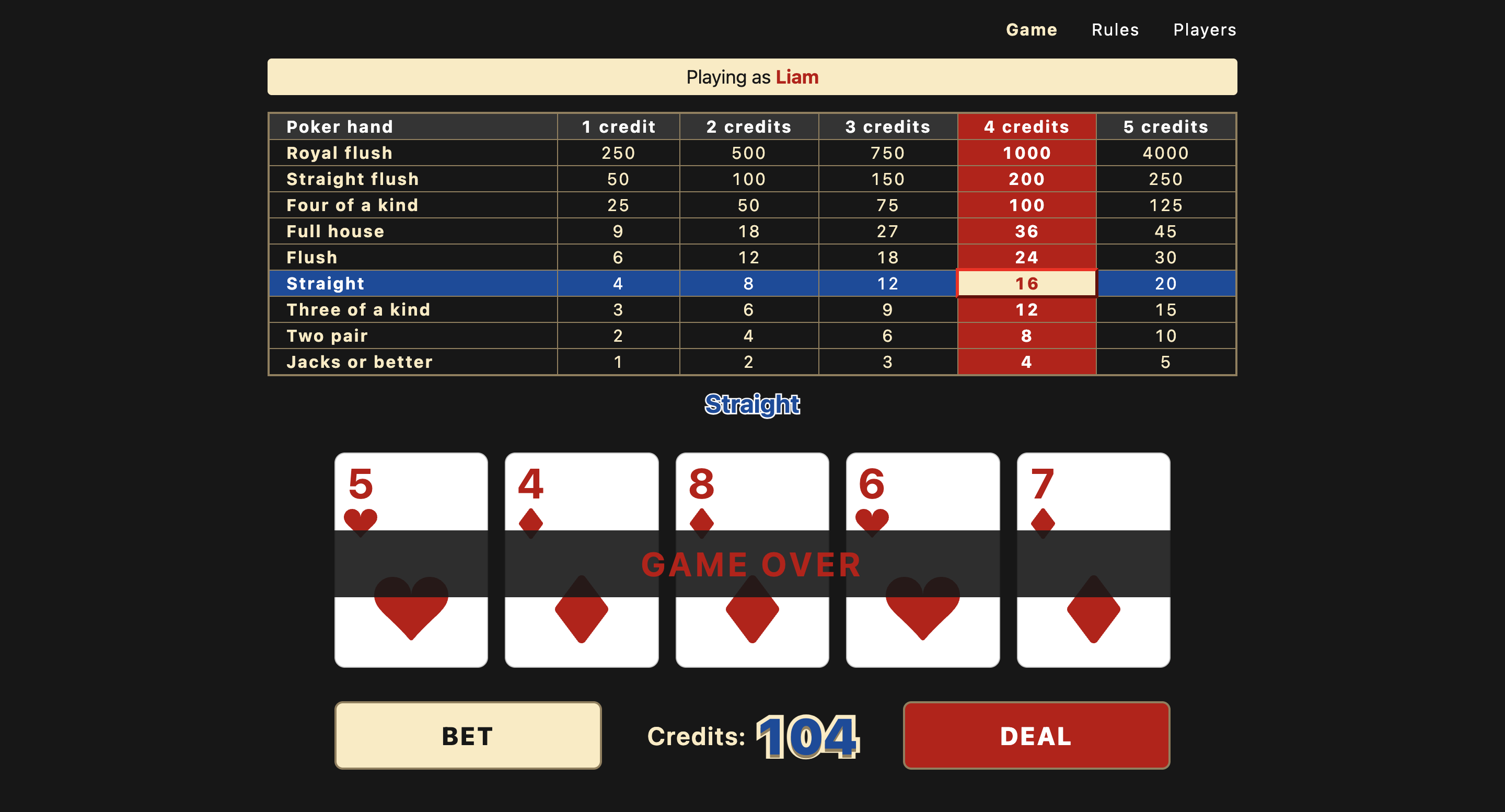
I defined the payouts in one array, which the table component uses to render its rows. The function below looks up the winnings in that same array.
export function getPayout(hand: PokerHand | null, bet: BetAmount): number {
  if (!hand) return 0;

  const payout = payouts.find((item) => item.hand === hand);
  return payout?.credits[bet - 1] ?? 0;
}
Bets range from one to five, so bet - 1 selects the matching position in the credits array. A hand that does not win returns zero. I kept this function separate from the React components so I could read the calculation without also working through the table markup.
What I learned
This was my first complete React project, and building a working game helped me understand how components and state work together. Deciding which data belonged in the shared store and which could stay inside a component was an important part of that. Keeping the hand evaluation and payout functions separate from the UI also made the game rules easier to follow.
Once the main game worked, I added sound and card animations, then tested the deployed site on my phone to improve the layout on smaller screens. In my next project, I want to set up automated tests early, starting with logic that can be checked independently of the UI. For this game, hand evaluation and payouts would be good places to start, with cases such as ace-low straights, non-winning hands, and payouts for each bet amount. Those tests would help me check that changes to the code preserve the game rules.